WordBinary
A downloadable tool
WordBinary is a Windows desktop app for students, researchers, academic writers, content teams, educators, agencies and professional users who want a cleaner way to review documents for AI-written content, plagiarism risk, grammar issues and academic writing quality.
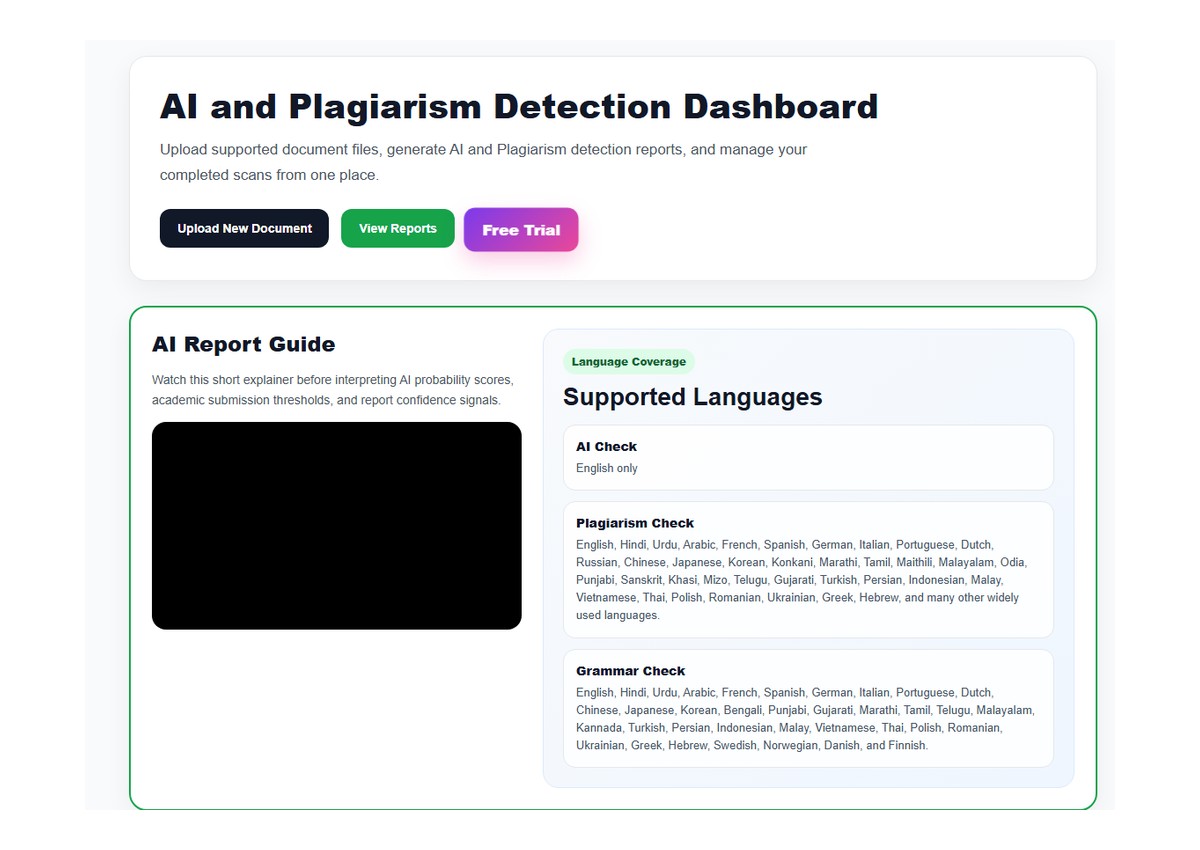
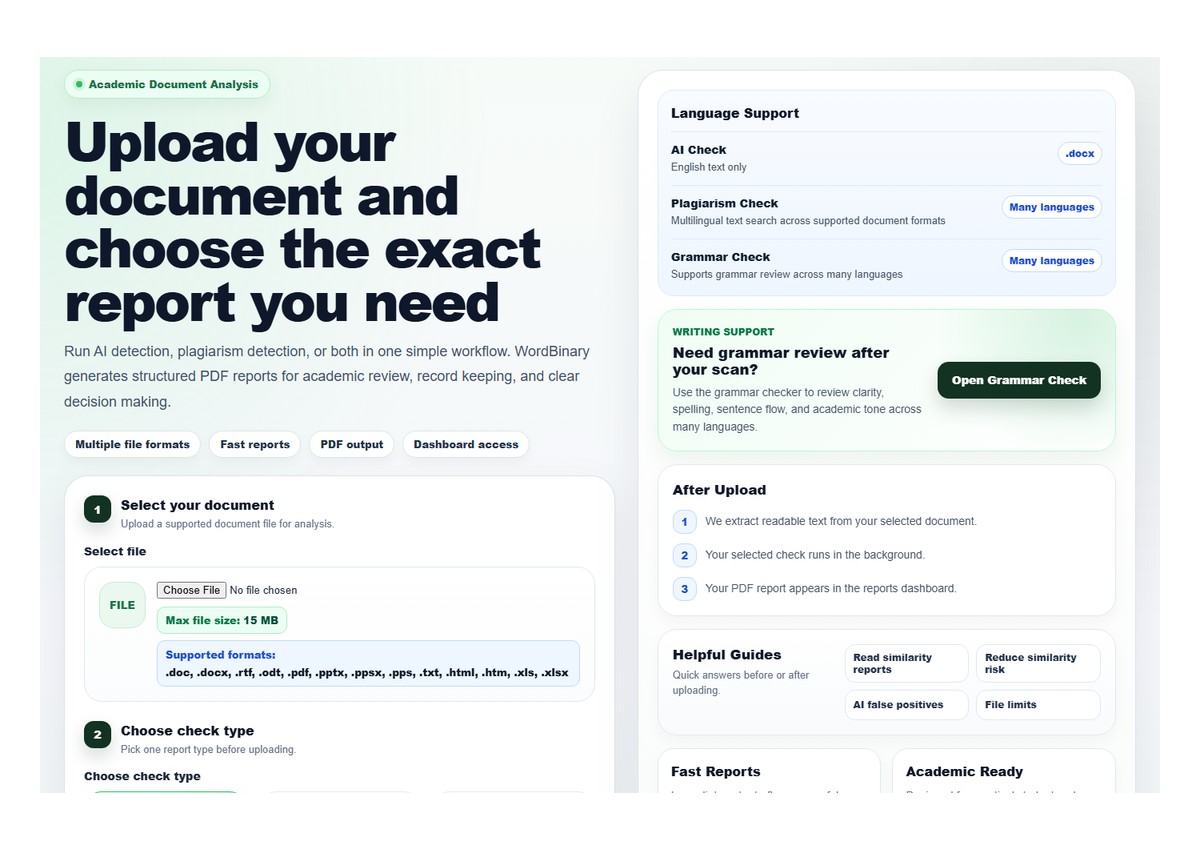
The app connects users to the official WordBinary platform, where documents can be reviewed through a practical academic integrity workflow. Instead of checking text through separate tools, WordBinary brings AI detection, plagiarism checking, grammar review and downloadable report support into one workspace.
Start here:
## What WordBinary helps you do
WordBinary is designed for pre-submission review, academic writing improvement and document quality control. Users can check whether a document may contain AI-generated writing patterns, review similarity signals, inspect plagiarism-related findings, improve grammar and clarity, and download reports for their own review records.
The platform is useful for essays, assignments, coursework, reports, research drafts, articles, academic content, professional documents and writing projects where originality and clarity matter.
## Main features
### AI text detection
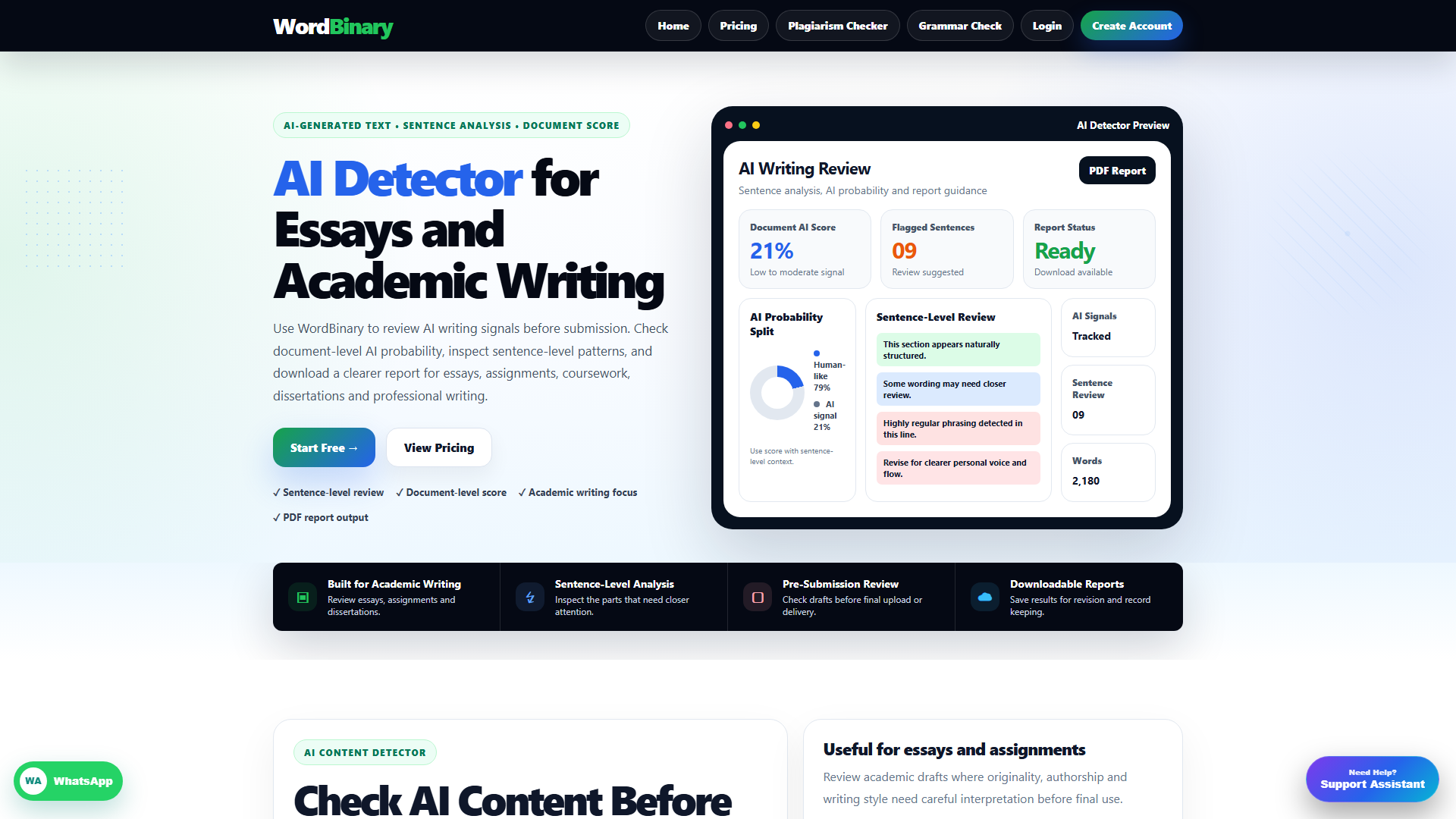
WordBinary includes AI content analysis for users who want to review whether a document may contain AI-written or AI-assisted text. The AI detection report is designed to help users interpret writing patterns, sentence-level signals and overall AI probability in a clear way.
Learn more: WordBinary AI Detector
### Plagiarism and similarity checking
WordBinary also supports plagiarism and similarity review. Users can inspect similarity findings, review matched sources, understand originality concerns and improve citations or wording before final submission.
Explore the tool: WordBinary Plagiarism Checker
### Grammar and writing review
WordBinary includes grammar checking support for spelling, punctuation, sentence structure, clarity and writing flow. This helps users improve the readability and quality of their work before they submit, publish or share it.
Try grammar review: WordBinary Grammar Checker
### Downloadable academic reports
WordBinary is built around report-based review. Users can generate clear document reports that help them understand AI detection results, similarity scores, grammar suggestions and document-level observations.
This makes WordBinary useful not only for one-time checks, but also for users who want to keep a record of their review process.
## Who can use WordBinary?
WordBinary can be used by:
- Students reviewing assignments, essays and coursework before submission
- Researchers checking drafts before internal review or wider sharing
- Academic writers improving originality, structure and writing clarity
- Agencies handling document quality control
- Educators and supervisors reviewing academic writing signals
- Professionals checking reports, articles and formal written content
## Why use the Windows app?
The WordBinary Windows app gives users a convenient desktop-style way to access the platform without repeatedly opening a browser tab. It is suitable for users who regularly check academic documents and want a simple app-like workflow on their Windows device.
The app requires an internet connection and may require a WordBinary account to access full checking features.
## Helpful resources
WordBinary also publishes practical guides on AI detection, plagiarism checking, similarity reports, academic integrity and writing review.
Read more here: WordBinary Resources
For support, questions or business enquiries, visit:
## Important note
WordBinary reports are intended for academic assistance, writing review and informational document analysis. AI detection and plagiarism results should be interpreted carefully and should not be treated as final, legally binding or institutionally guaranteed decisions. Users should review the report context, source matches, writing signals and their own academic or professional requirements before taking action.
WordBinary helps users make better document review decisions by combining AI detection, plagiarism checking, grammar review and downloadable reports in one practical workflow.
Download
Install instructions
WORDBINARY FOR WINDOWS - INSTALL AND LOGIN GUIDE
Registered owner/operator: CONCEPTS AND CONTEXT
Brand name: WORDBINARY
HOW TO INSTALL
1. Double-click:
WORDBINARY Setup 1.0.0.exe
2. When the setup window opens, click Next.
3. Read the installer agreement.
4. Select I Agree to continue.
5. Choose the installation folder or keep the default folder.
6. Click Install.
7. On the finish screen, keep Launch WORDBINARY selected and click Finish.
HOW TO LOGIN
1. Open WORDBINARY from the desktop shortcut or Start Menu.
2. Enter your WORDBINARY email and password.
3. To save your login on this Windows device, select:
Save login on this Windows device
4. Click Login.
5. After a successful login, the app saves your secure website session on this computer.